

Store Check Reporting: Turning data into insights
Posted on June 1, 2026 | Updated on 1. June 2026
Reading time: 13 minutes
**The most valuable store check data is useless if they are not effectively communicated. ** Reporting is the bridge between data collection and action. A well-designed report transforms raw data into actionable insights and motivates the right stakeholders to the right measures. In this article you will learn how to prepare and present Store Check results optimally.
The importance of effective reporting
Store Check Reporting performs several important functions in the company. It informs decision-makers about the situation at the point of sale, identifies action needs, documents progress and creates transparency towards internal and external stakeholders.
Without structured reporting, Store Check data remains caught in silos and do not unfold their full effect. A thought-out reporting concept ensures that the right information arrives at the right people at the right time.
Target group-oriented preparation
Various stakeholders have different information needs. A report for top management looks different than a report for the field service. The target group-oriented preparation is crucial for the effectiveness of reporting.
** Target group** Information needs | Format
Top management | Strategic KPIs, trends, recommendations for action | Executive Summary, Dashboard |
Category Manager Categories-specific data, competition analysis | Detailed report, analyses |
Key Account Manager Dealer-specific results, Compliance | Customer report, presentation |
External service Current findings, tasks, priorities | Mobile app, Alerts |
Trade partner | Common KPIs, potential for improvement | Joint Business Report |
Dashboard design
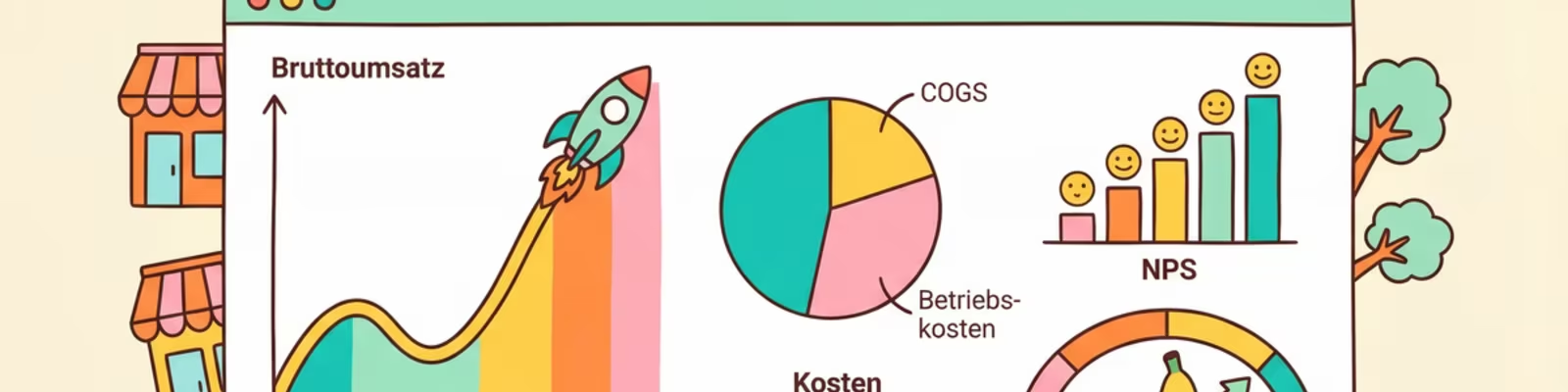
Dashboards are the heart of modern store check reporting. They allow the quick detection of the most important KPIs at a glance and the drill down in details if necessary.
KPI overview
The most important key figures at a glance with traffic lights and trend arrows for fast orientation.
Time patterns
Development of KPIs over time as line or bar charts for trend analysis.
Geographic view
Map presentation of results by region or individual sales points.
Ranking lists
Top and flop lists by different dimensions (traders, regions, products).
Best practices for dashboard design
** More:** Restrict on the really important KPIs
Visual hierarchy: The most important information should immediately be considered
Consistent color: Use colors consistent (e.g. green = good, red = bad)
Interactivity: Allow drill down and filtering
Mobile Optimization: Dashboards should also work on mobile devices
Report types and their application
Depending on the target and target group, different report types are used. Choosing the right format is crucial for the effectiveness of communication.
Executive Summary
The Executive Summary summarizes the most important findings on one side. It is aimed at decision-makers who have little time and must quickly enter the core messages. Structure: situation – findings – recommendations.
Detail report
The detailed report contains all collected data in structured form. It serves as a reference for deeper analyses and as documentation. Typically as PDF or Excel file with tables, graphics and photo documentation.
Presentation
Presentations are suitable for communication in meetings and workshops. They visualize the most important findings and encourage discussion. Focus on storytelling and clear action recommendations.
.### Automated Alerts
Automated notifications inform relevant persons immediately at critical findings. They enable quick responses to urgent problems such as out-of-stock situations or compliance violations.
Visualization of Store Check Data
The correct visualization makes complex data understandable and meticulous. The choice of the chart type should be based on the type of data and the message to be transmitted.
Data type Recommended visualization | Example
Time profiles Line diagram | OOS rate over 12 months |
Comparative | Bar chart | Compliance by dealer |
Advantages Circle chart, Treemap | Share of Shelf |
Geographic data Map, Heatmap | Distribution by region |
Correlations Scatter diagram | Facing vs. Sales |
Status Ampel, Gauge | Current OOS rate |
The power of photo documentation
Photos are often more meaningful than numbers. An image of an empty shelf or a badly implemented promotion communicates the problem immediately and emotionally. Integrate relevant photos into your reports to bring the data to life.
Reporting frequency and timing
The correct frequency of reporting depends on the dynamics of the market and the decision cycles in the company. Too frequent reporting can lead to information flooding, to rare reporting prevents timely reactions.
Recommended frequencies
Echtzeit-Alerts: For critical findings (OOS, compliance violations)
**Occupational Dashboards for Foreign Service
Monthly: Management reports with KPI development
Quartality: Strategic reviews and trend analyses
** Annual Reports and Benchmarking
From data to measures
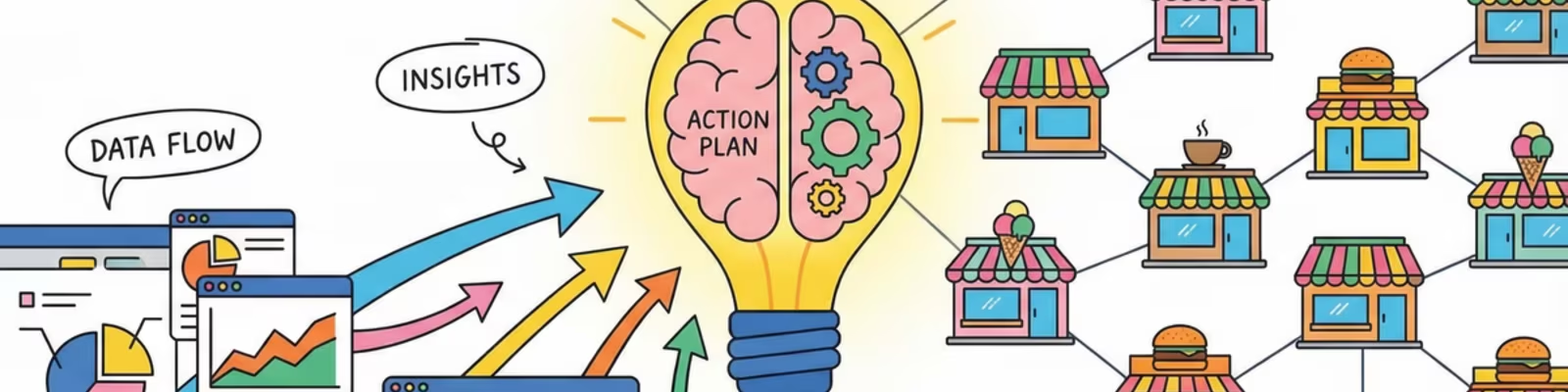
The ultimate goal of reporting is not information, but action. A good report therefore contains not only data, but also clear recommendations for action and defined responsibilities.
Elements of an actionable report
** Clear problem identification:** What exactly is the problem?
Cause analysis: Why does the problem occur?
What should be done?
Responsibility: Who is responsible?
- Timeframe: When should be traded?
Success measurement: How is success measured?
Tools for Store Check Reporting
Various tools are available for creating Store Check Reports, from simple spreadsheets to specialised business intelligence platforms.
Excel/Google Sheets: Flexible and widely used, but limited visualization options and manual updating required.
Power BI/Tableau: Powerful BI tools with extensive visualization options and automatic data update.
Integrated Platforms: Store Check Software with built-in reporting features provide seamless integration and specific retail functions.
Frequently asked questions
How many KPIs should a dashboard show maximum?
A dashboard should be limited to 5-10 core KPIs. Too many key figures lead to confusion and water the focus. Further KPIs can be available in detailed views.
How do I make sure reports are read?
Keep reports short and relevant. Start with the most important findings. Use visualizations instead of long texts. Send reports to the right recipient at the right time.
Should reports be created automatically or manually?
Standard reports should be automated to save time and ensure consistency. Manual processing with interpretation and recommendations is often required for special analyses or management presentations.
Conclusion: Reporting as a strategic instrument
Effective Store Check Reporting is more than data processing – it is a strategic tool for controlling POS performance. Invest time in developing a thought-out reporting concept that takes into account the needs of different stakeholders and leads to concrete measures.
The best reports are not the most extensive, but the ones that lead to actions. Focus on actionable insights, clear visualizations and concrete recommendations. To transform Store Check data into real value for your company.
Optimize your reporting
Learn more about dashboard design, data visualization and best practices for effective communication in our other articles.
Related articles

Matching primary solution
For a deeper feature and rollout context, start from Store check software.